
Du-PDF Atelier
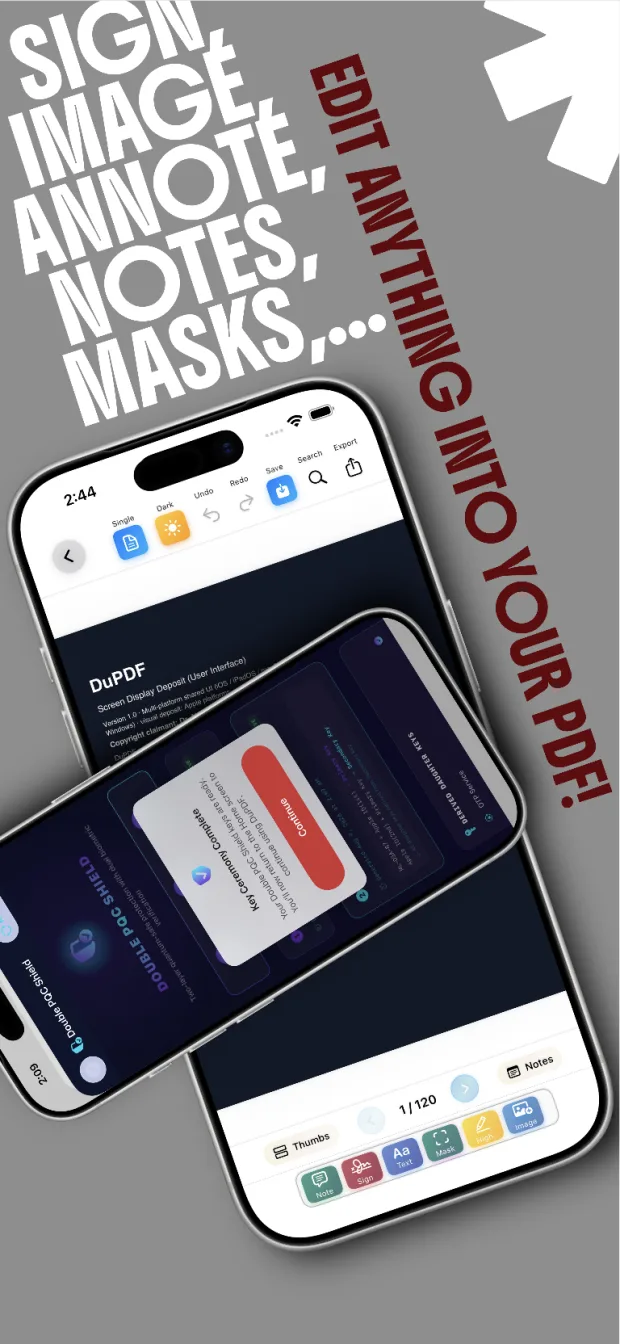
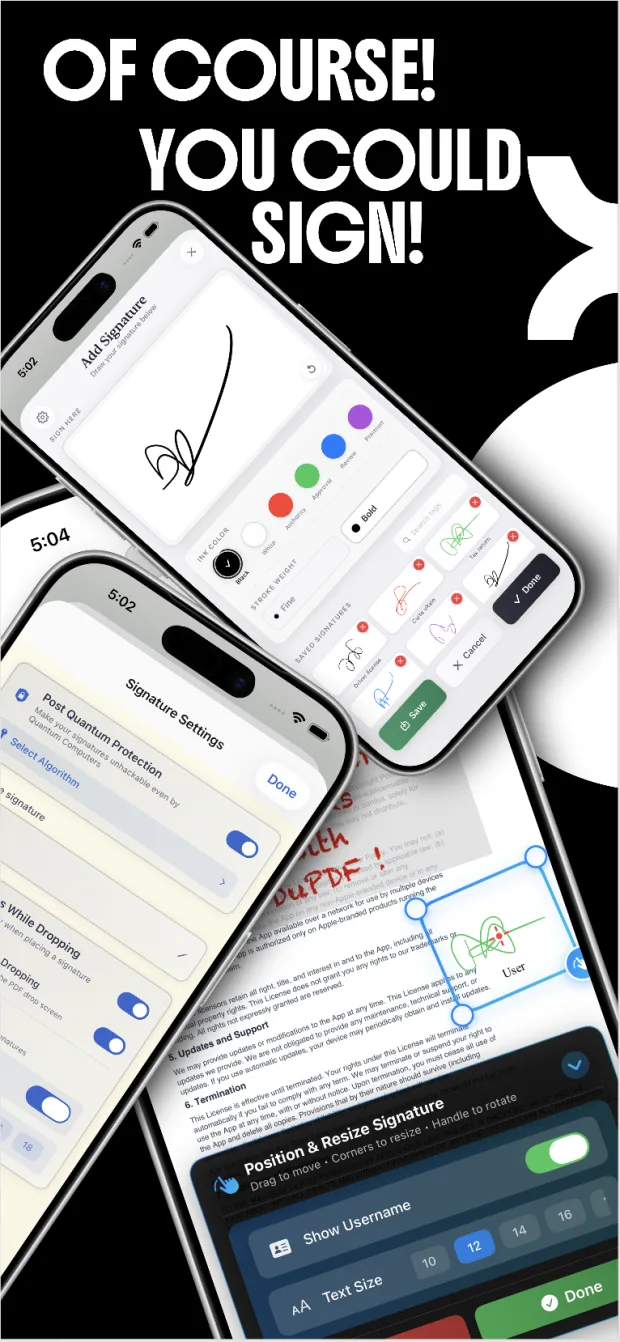
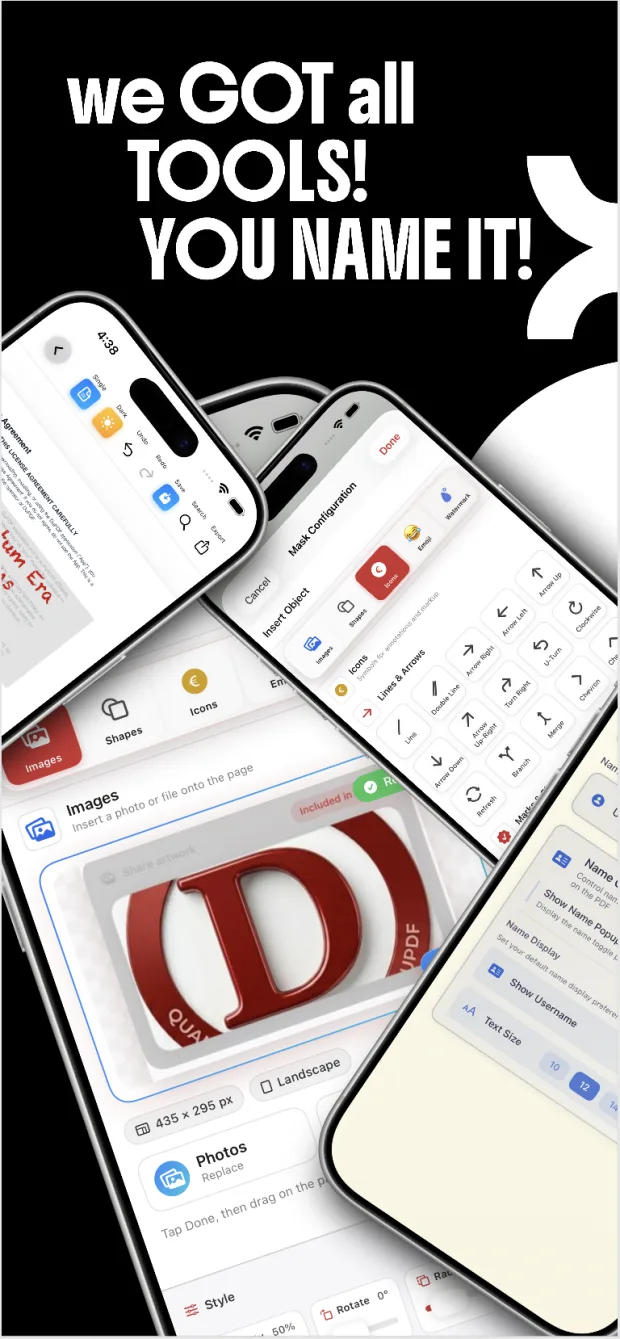
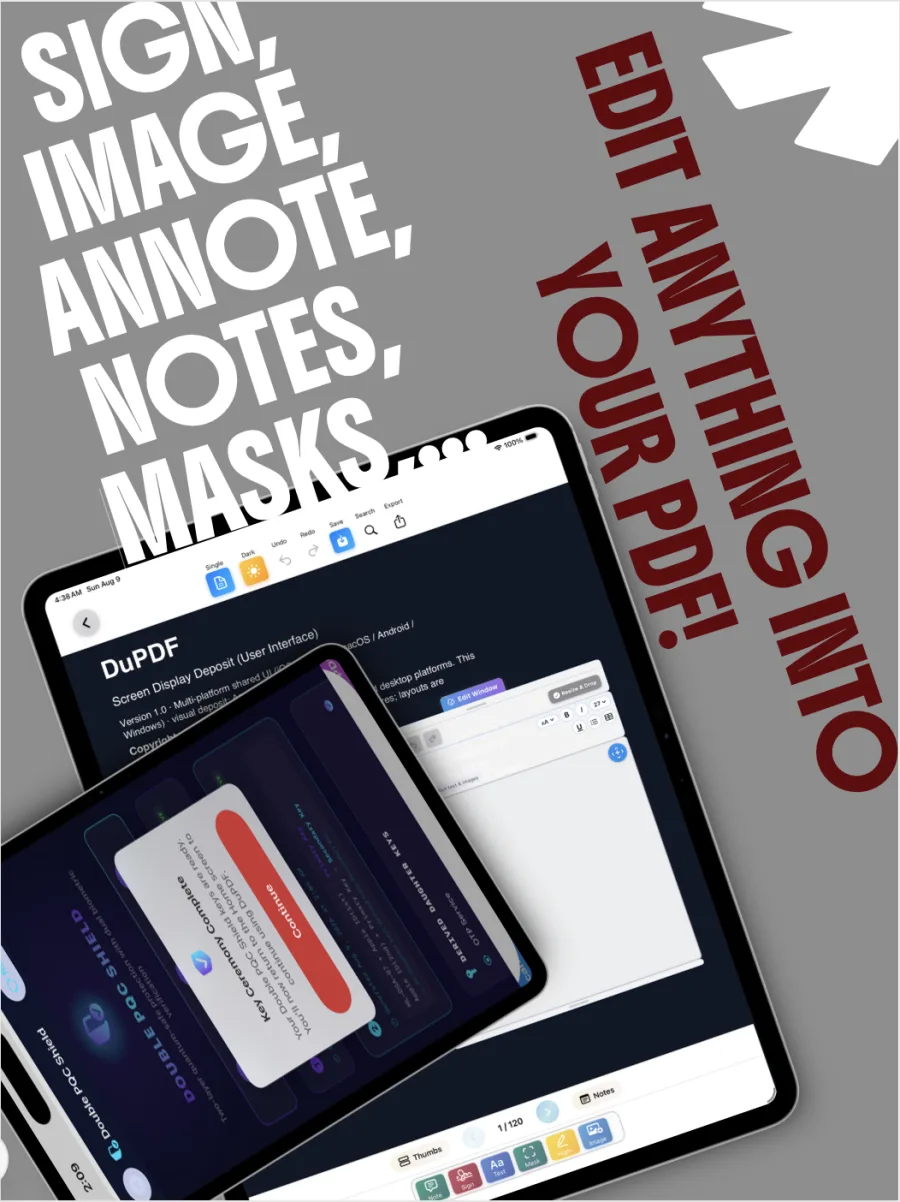
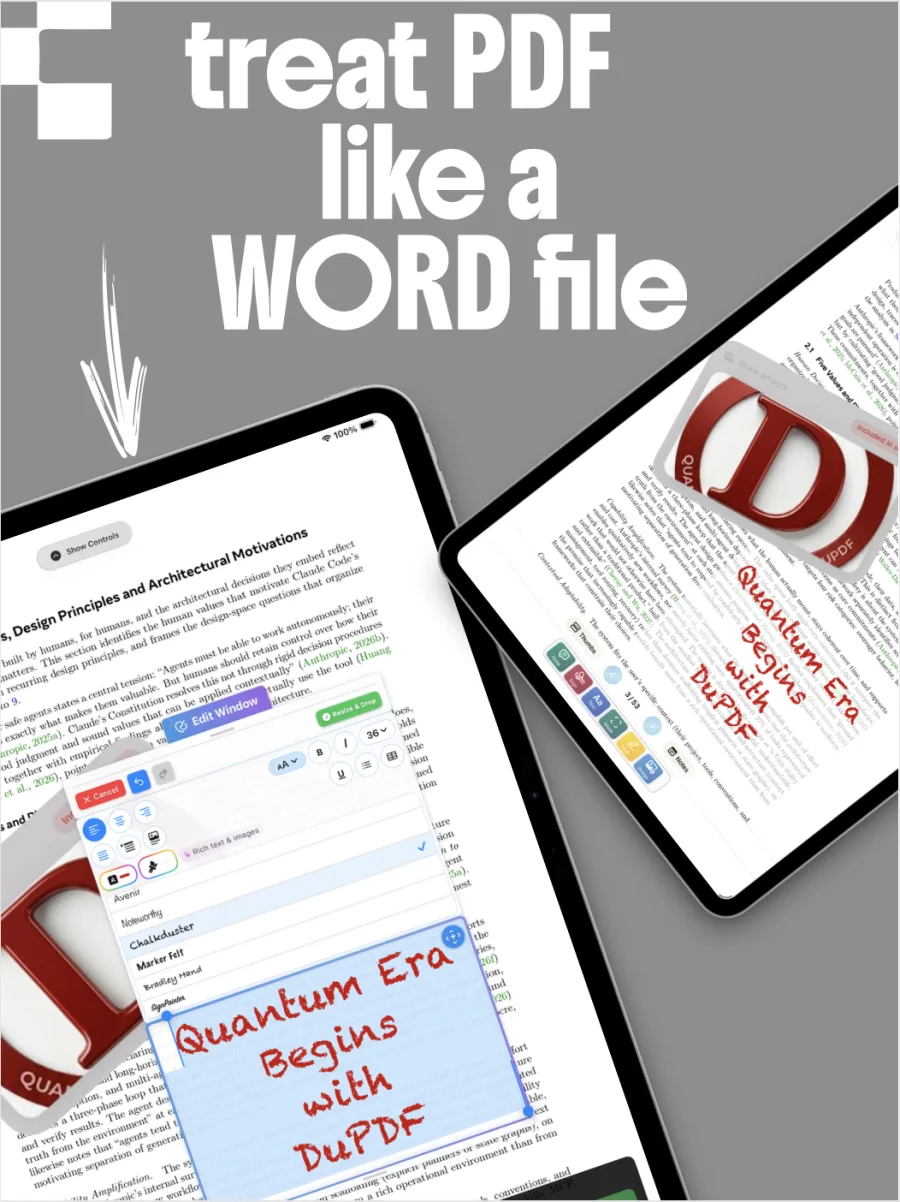
The full reader and annotation canvas: text notes, signatures, inline text, highlights, masks and image insertion — with thumbnails, search and a notes panel.
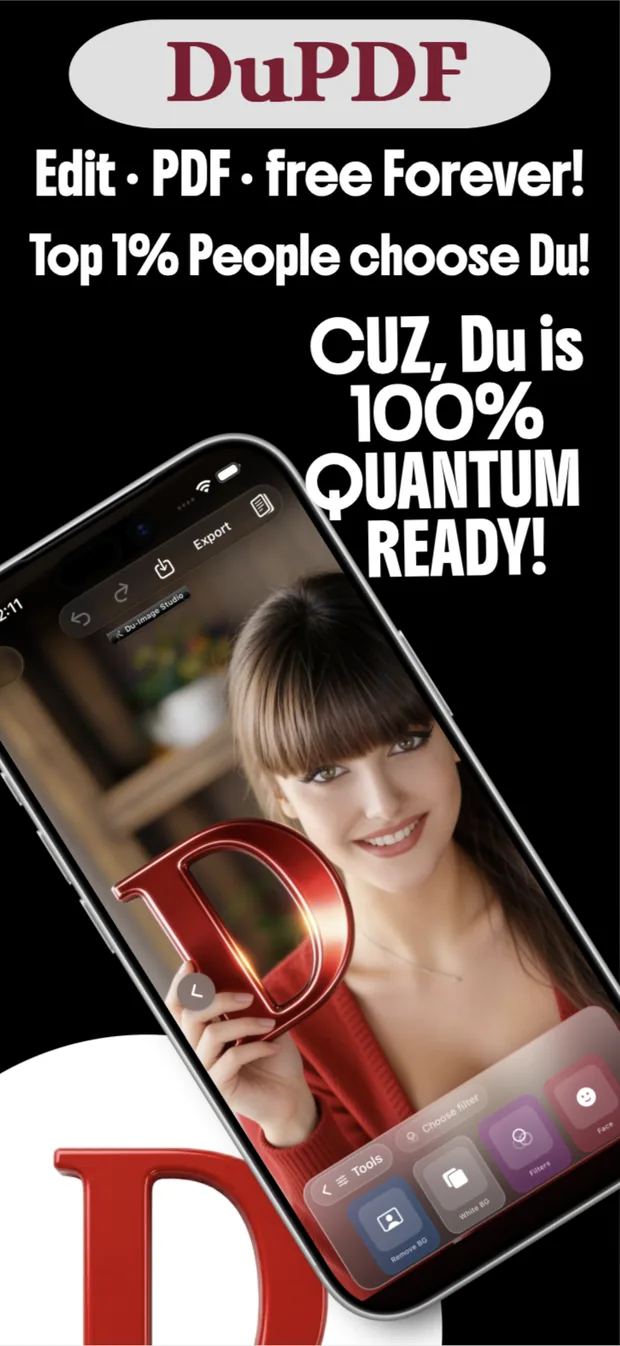
Read, annotate, sign, convert and redact — with a full studio for images and scans alongside. Everything runs on your device, and everything sits behind the world’s first Double PQC Shield.
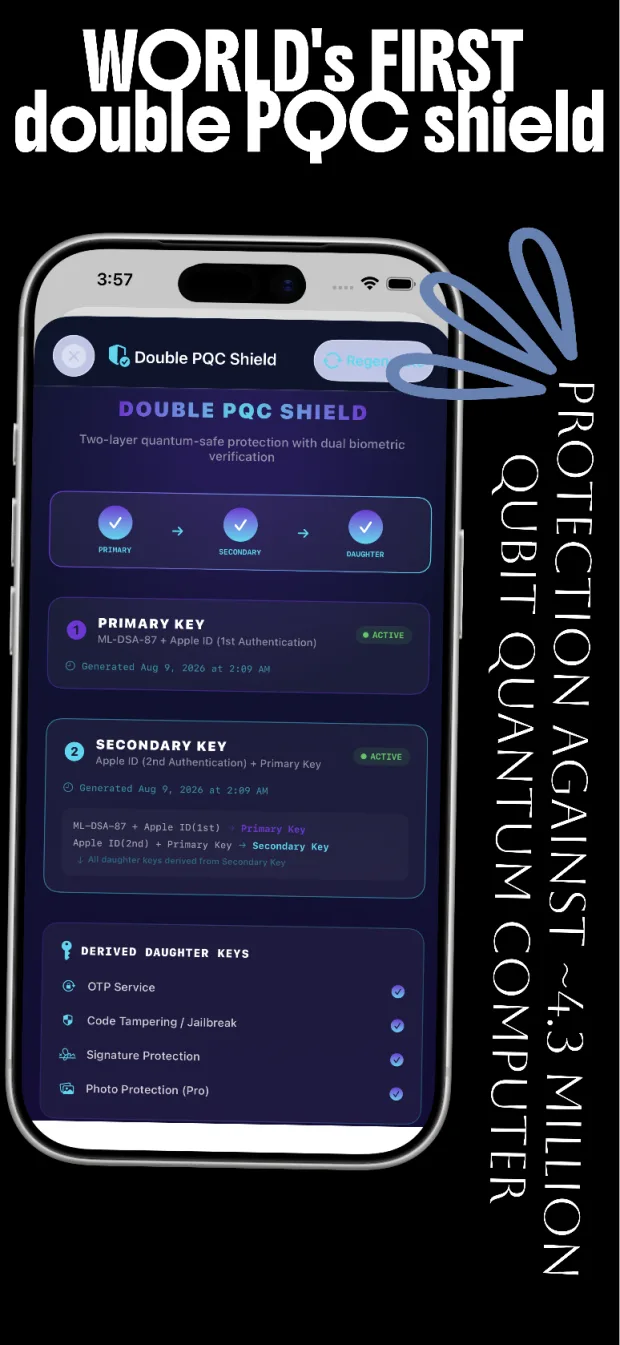
Quantum threat model
4.3M
Physical qubits considered in DuPDF’s quantum-resilience design.
Signature scheme
ML‑DSA‑87
The highest parameter set of the lattice signature standard.
Document bytes we receive
Zero
Your files, annotations and signatures never leave the sandbox.
Core toolkit price
Free
Forever. Pro and Ultra Pro raise daily limits; the essentials never expire.
Each studio is a complete environment with its own canvas, tools and manual — and they hand work to each other without a single upload.
The full reader and annotation canvas: text notes, signatures, inline text, highlights, masks and image insertion — with thumbnails, search and a notes panel.
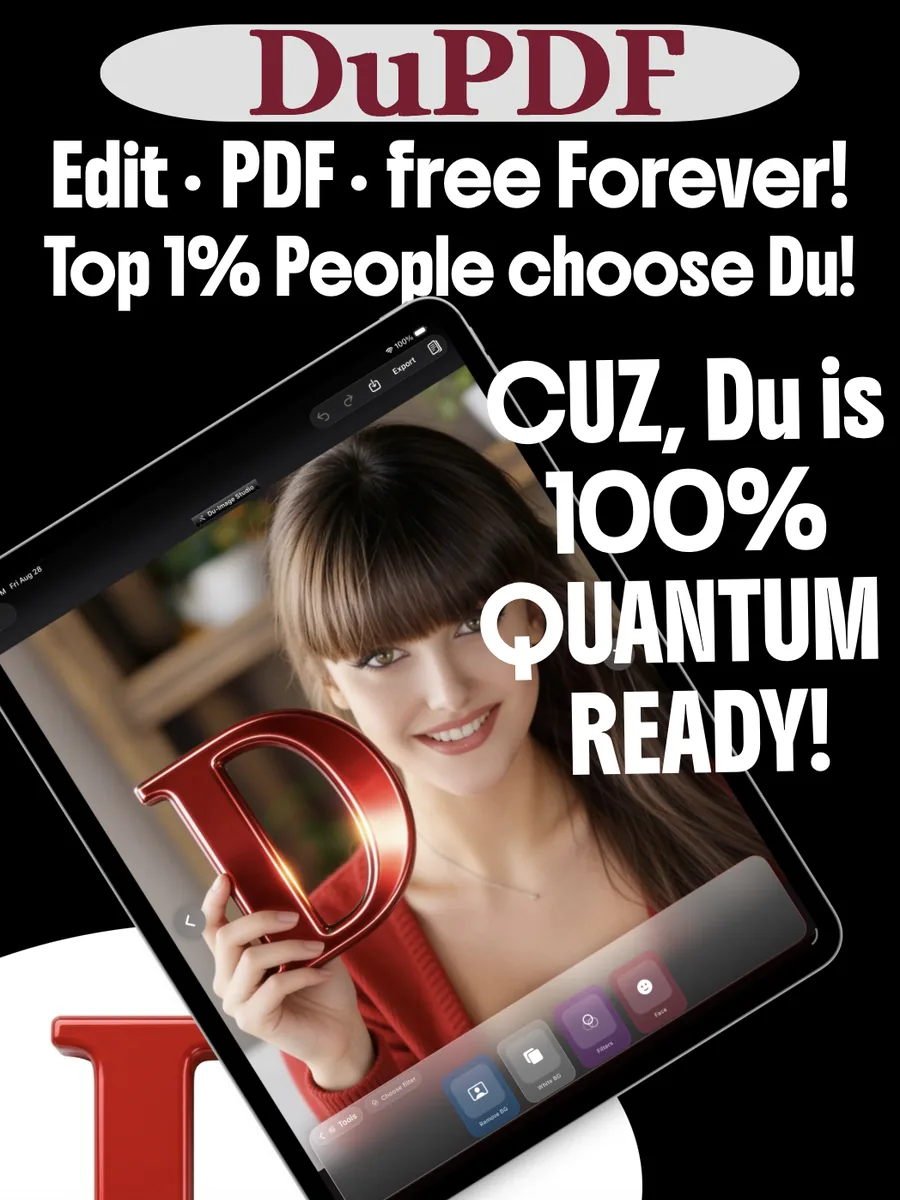
Doc crop with perspective correction, freehand and polygon cut-outs, eight crop silhouettes, document and photo filters, and background removal.
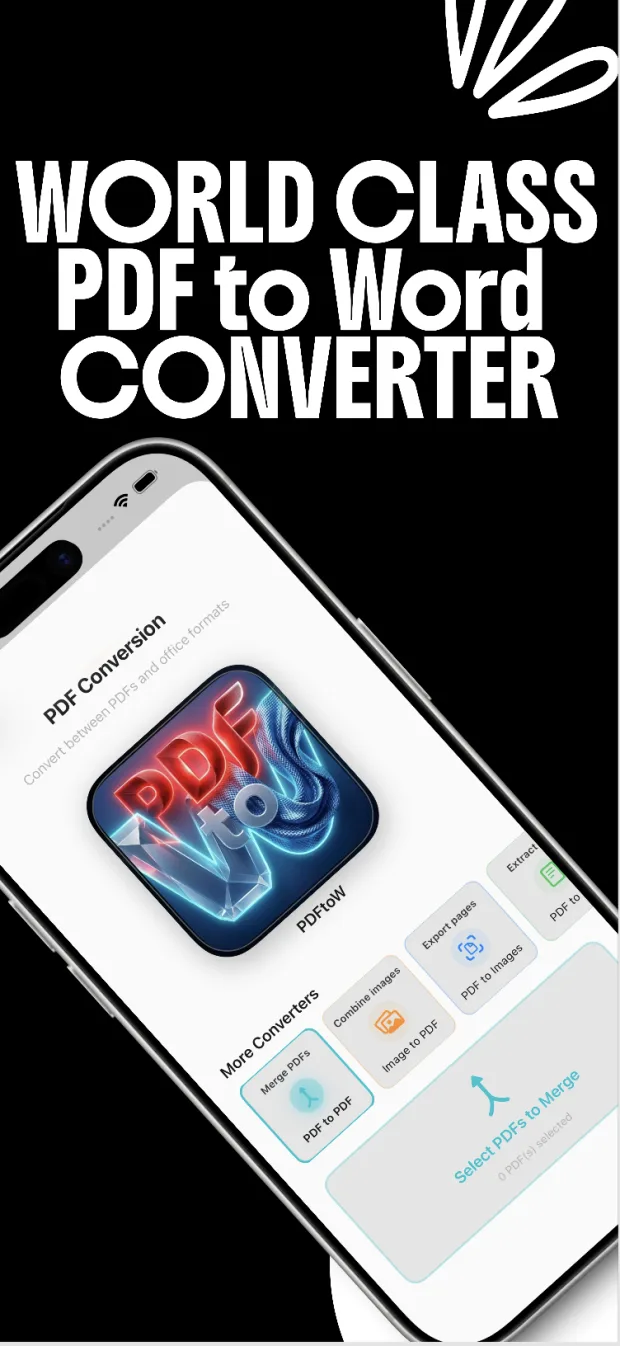
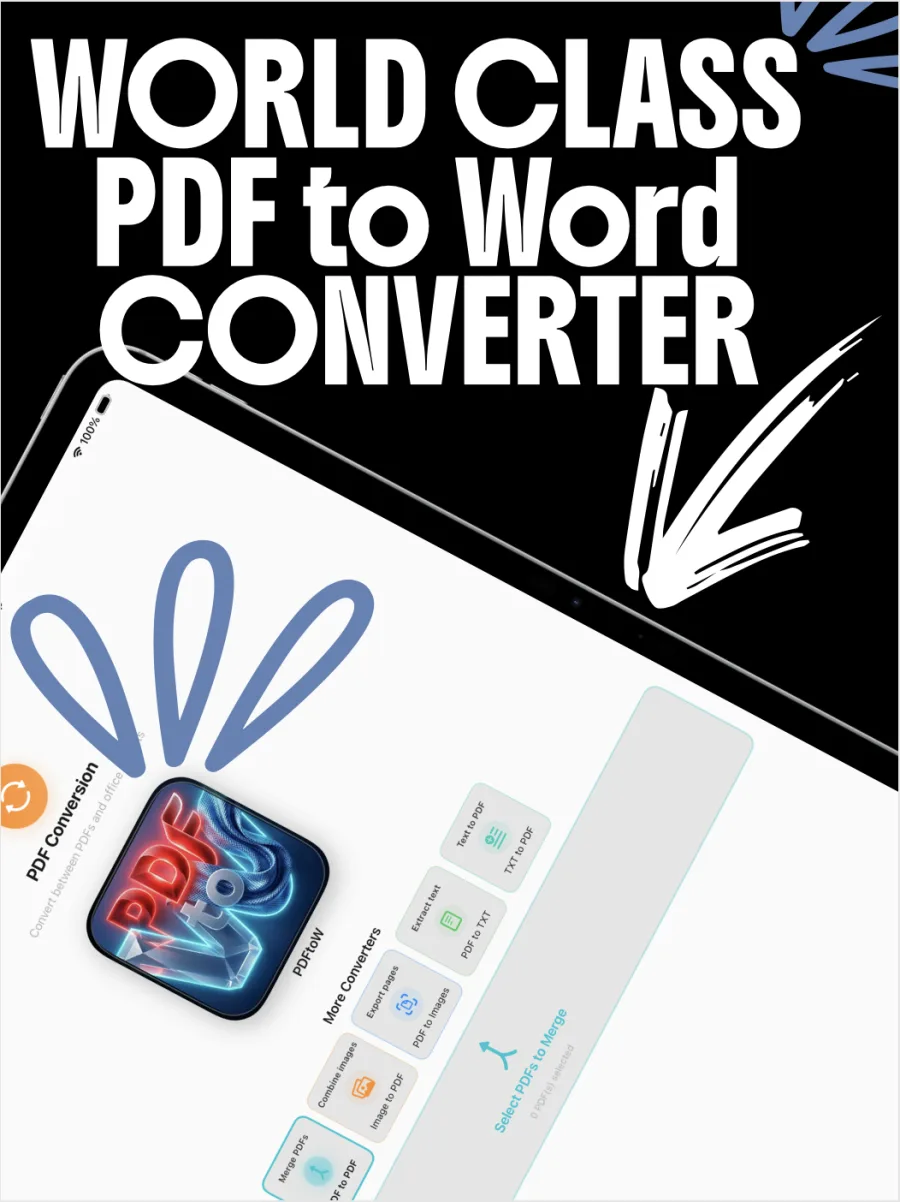
PDF to Word and back, images to PDF, PDF to images, page extraction, merge and combine — plus lock, unlock and compress. Beta
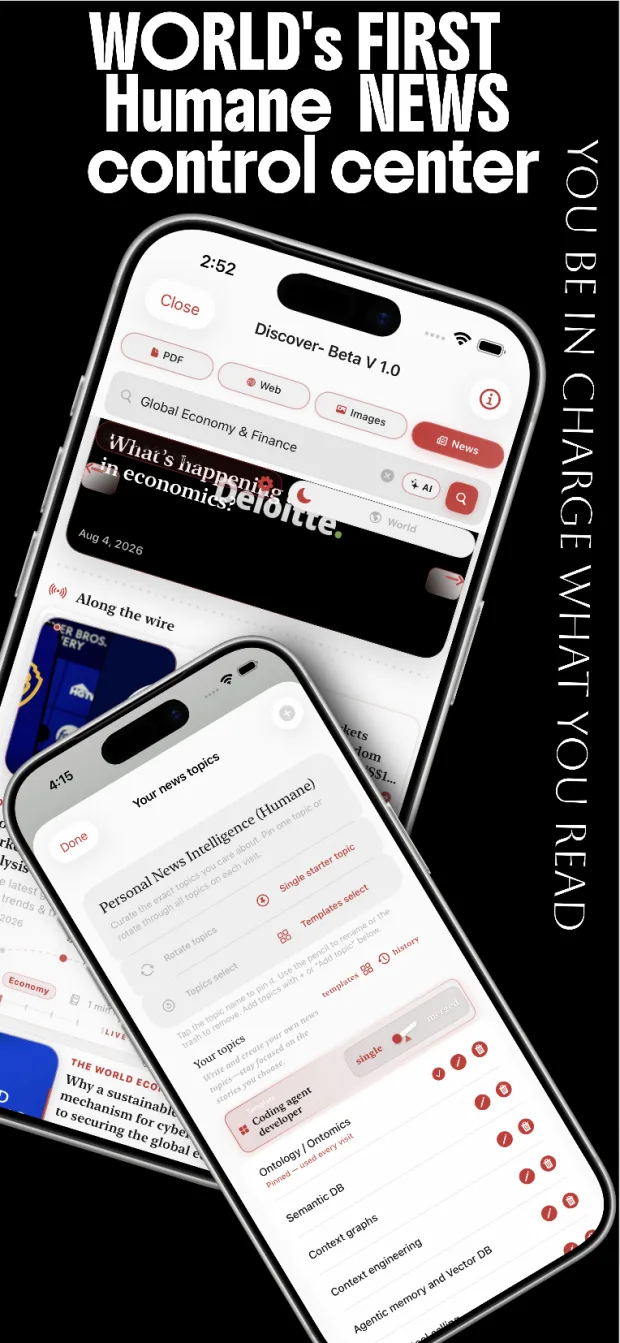
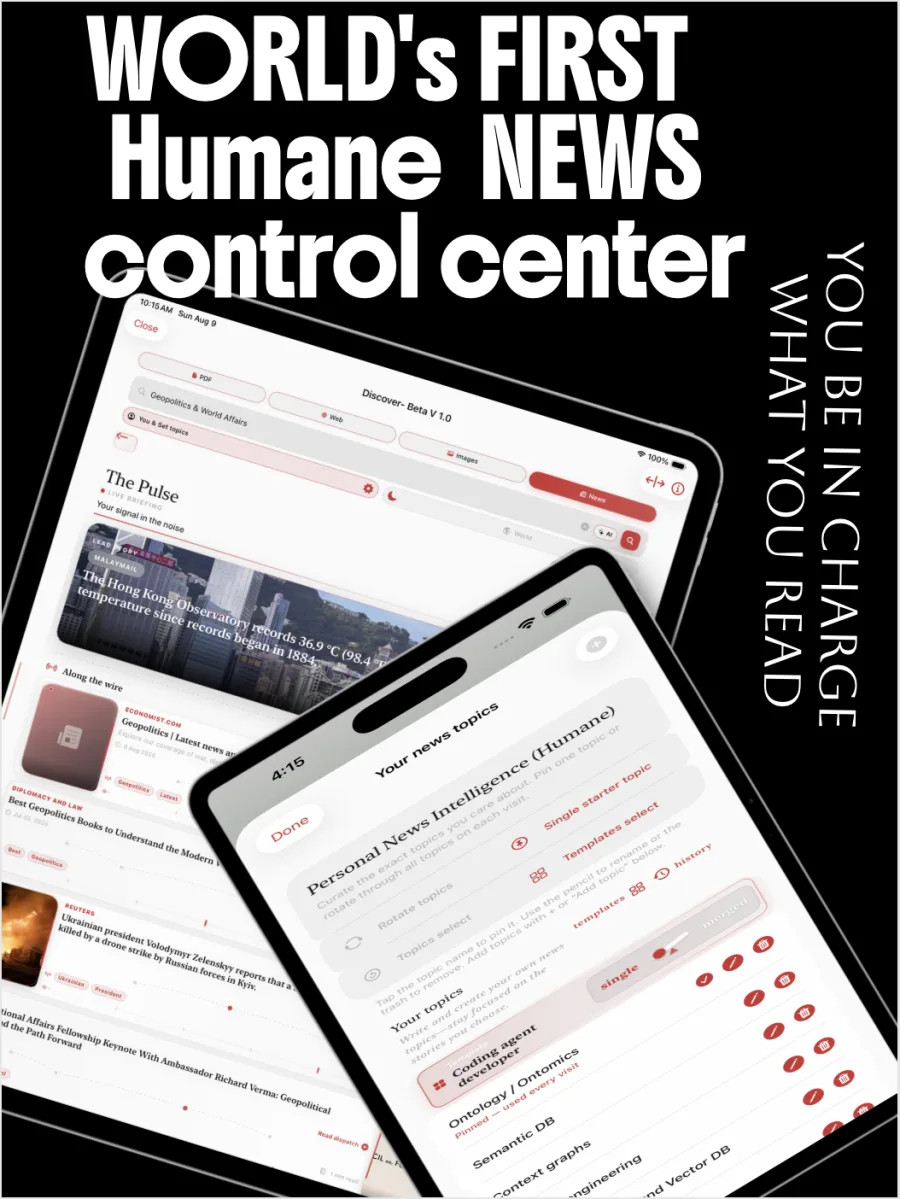
A news and research control center where you pin the topics. Search across PDF, web, images and news with moderation built for families. Beta
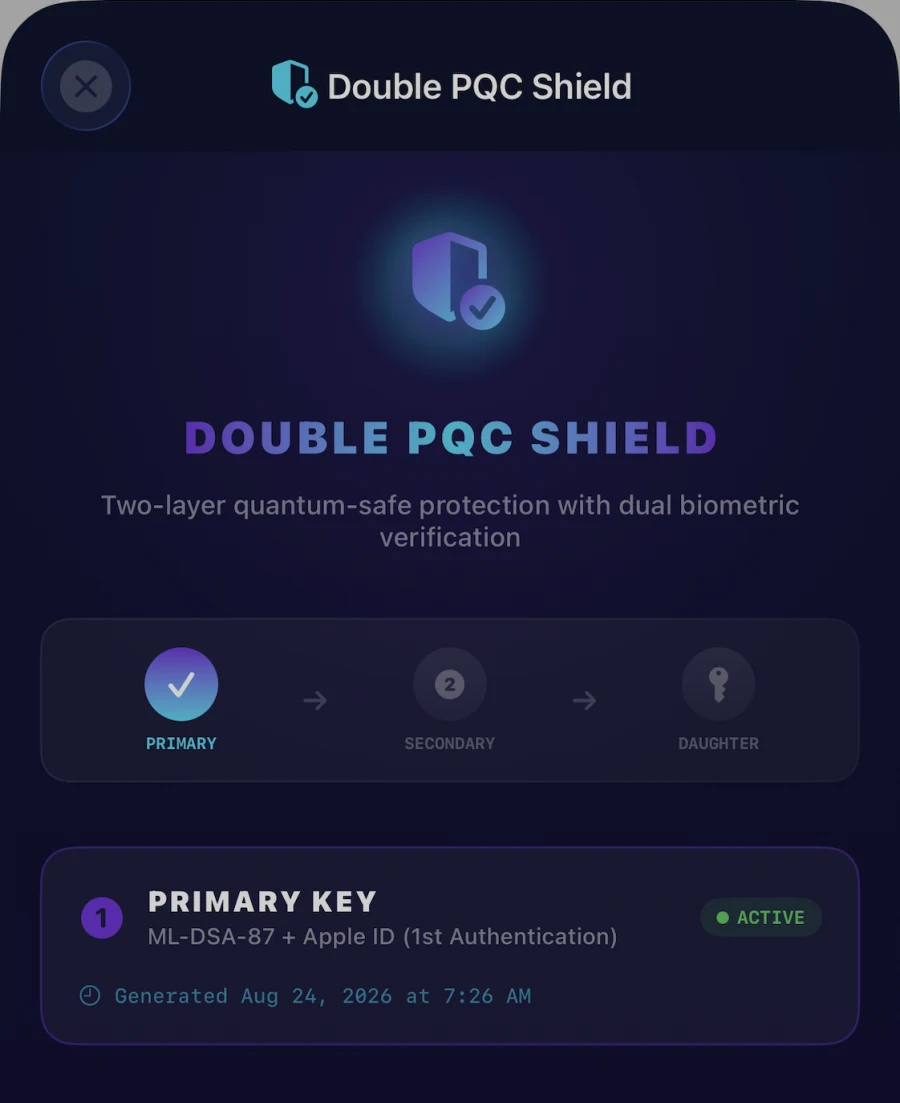
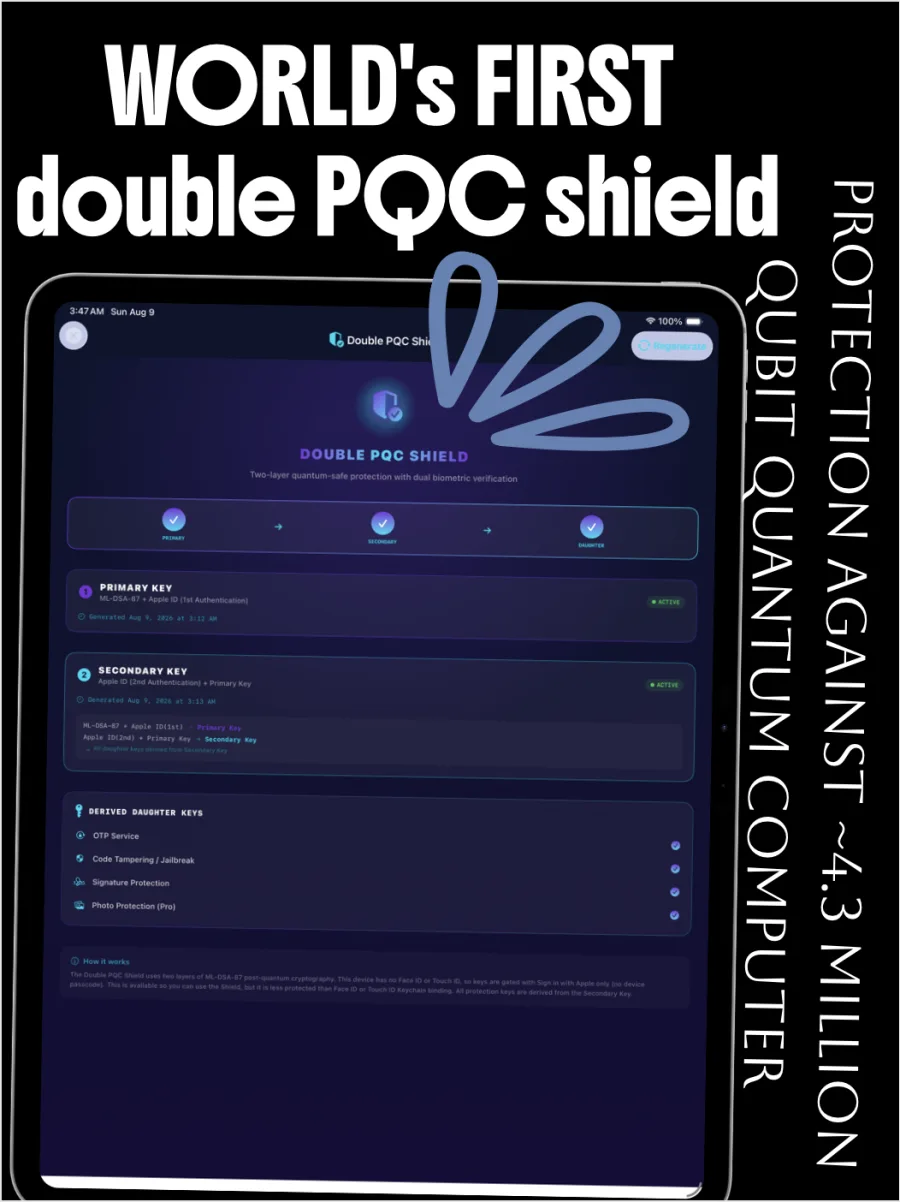
Most apps protect a document with one key. DuPDF derives a chain: a primary post-quantum key bound to your first Apple ID authentication, a secondary key that can only exist if the primary already does, and a family of purpose-built daughter keys beneath both.
Primary key
ML-DSA-87 + Apple ID (1st authentication)
Secondary key
Apple ID (2nd authentication) + Primary key
Derived daughter keys
All daughter keys derive from the secondary key
Defense-in-depth intended to hold against classical attacks at any scale, including state-level supercomputers — and against quantum adversaries in the same threat model.
The chain requires two separate Apple ID authentications. A single compromised moment is not enough to produce a valid secondary key.
These are security design goals and threat-model assumptions — not a promise that any system is unbreakable. We publish the limits alongside the claims.
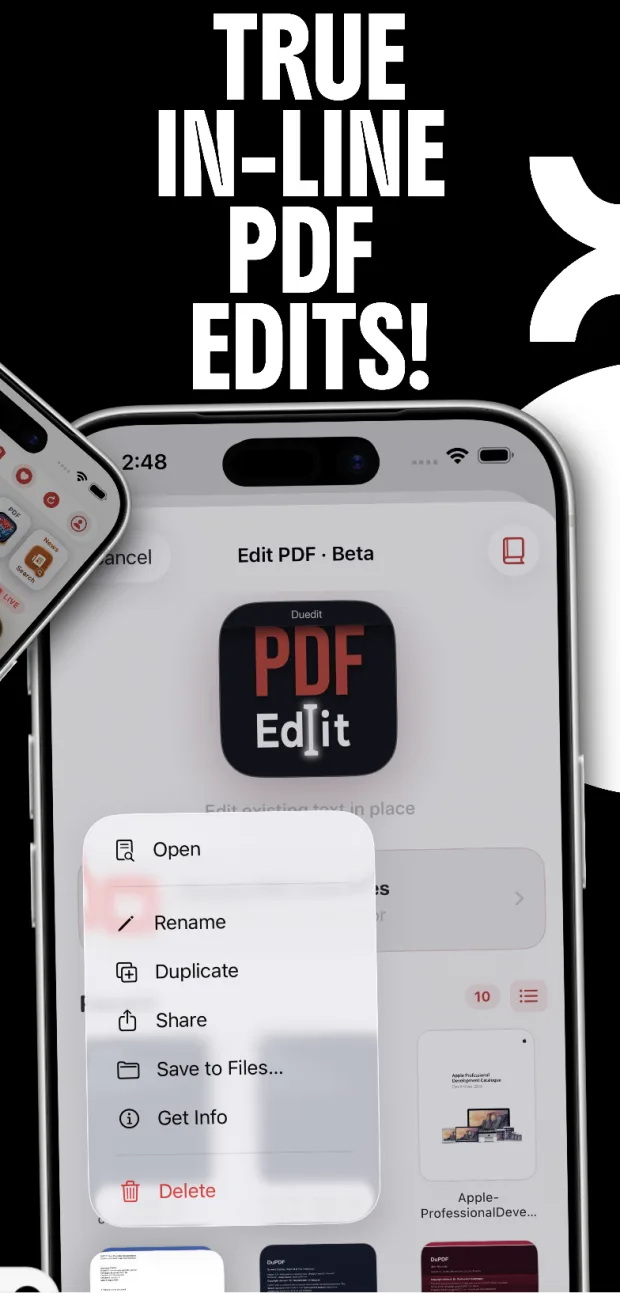
There is no cloud round-trip to edit a page. Documents, annotations, signatures and app-generated data live inside the app’s sandbox on your device — and stay there unless you deliberately share them.
Sandbox storage
Files stay in the app container, protected by your passcode and biometrics.
You hold the exits
Sharing, AirDrop and cloud backup only happen when you choose them.
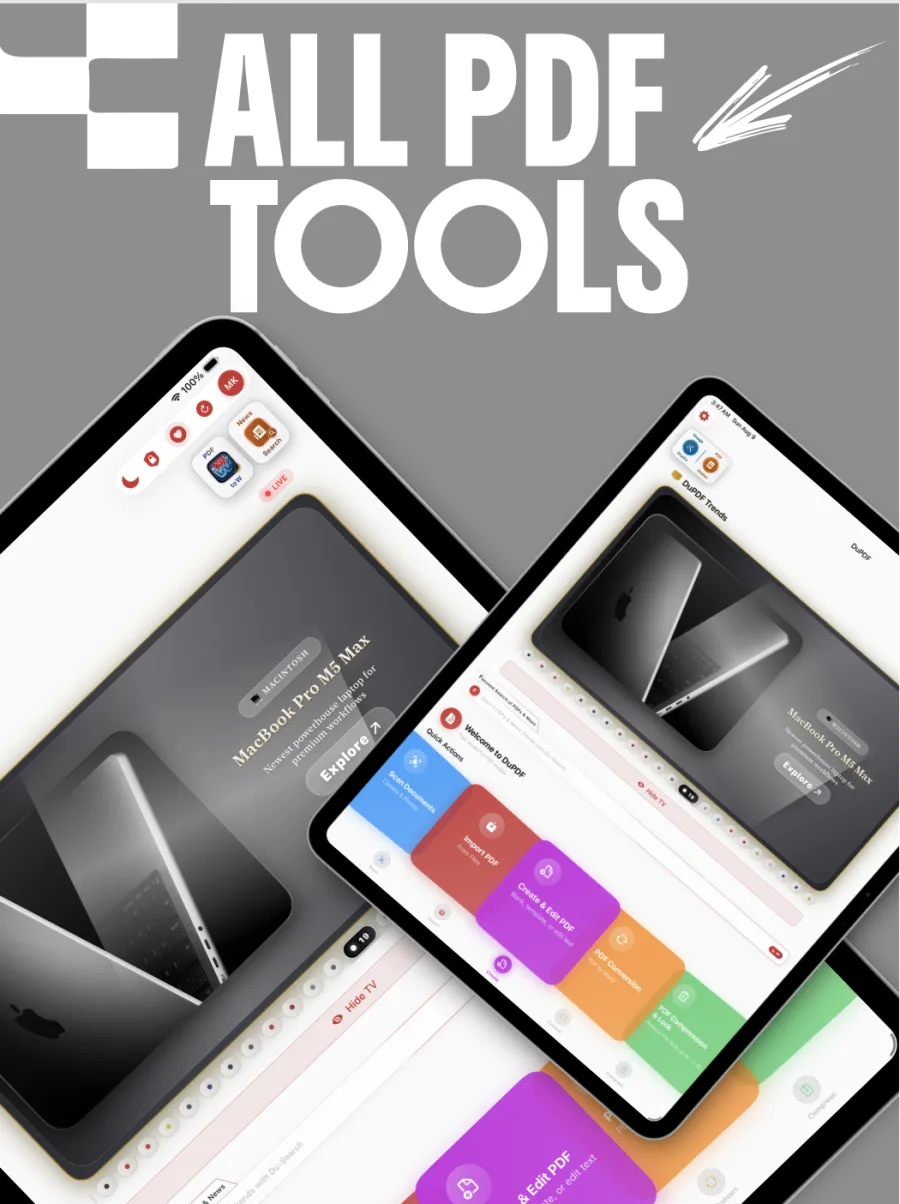
The utilities you keep hunting for in five different apps, gathered into one rail on the home screen.
 PDF to WordPDFtoW conversion engine
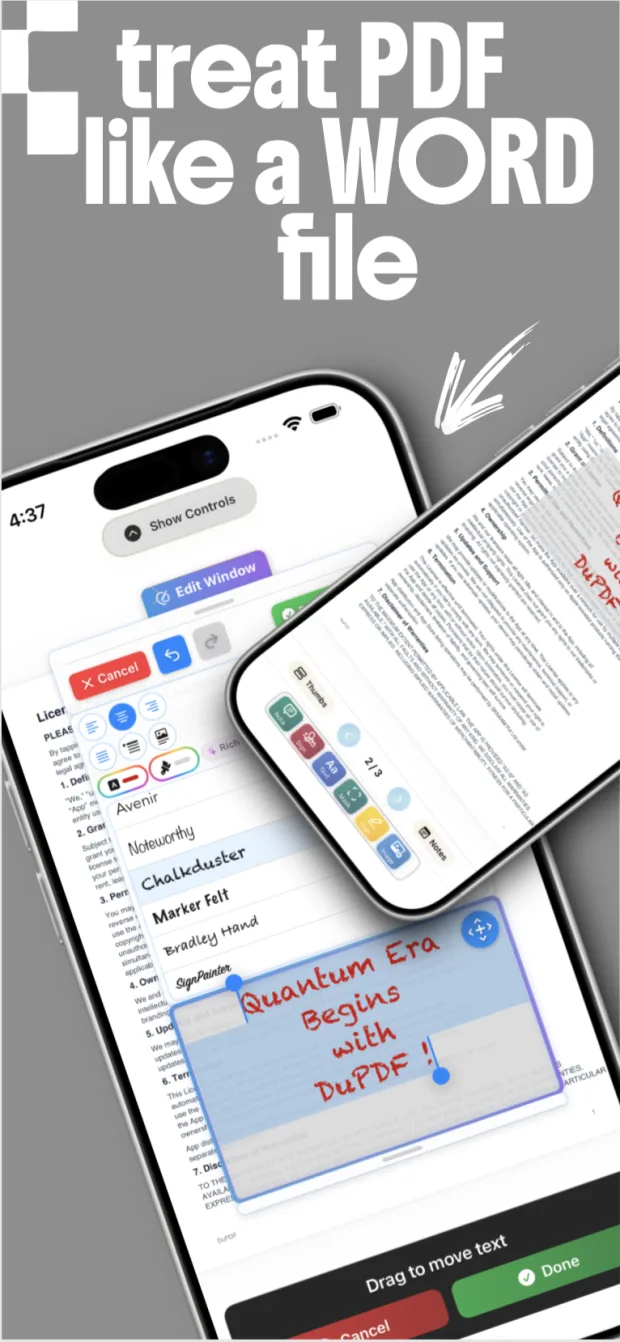
 Edit PDF textChange existing text in place
 Lock PDFPassword-protect a document
 Unlock PDFRemove a password you own
 Compress PDFShrink files for sharing
Merge & combineStitch PDFs and images
Export pagesExtract or split page ranges
Doc cropFour corners + perspective
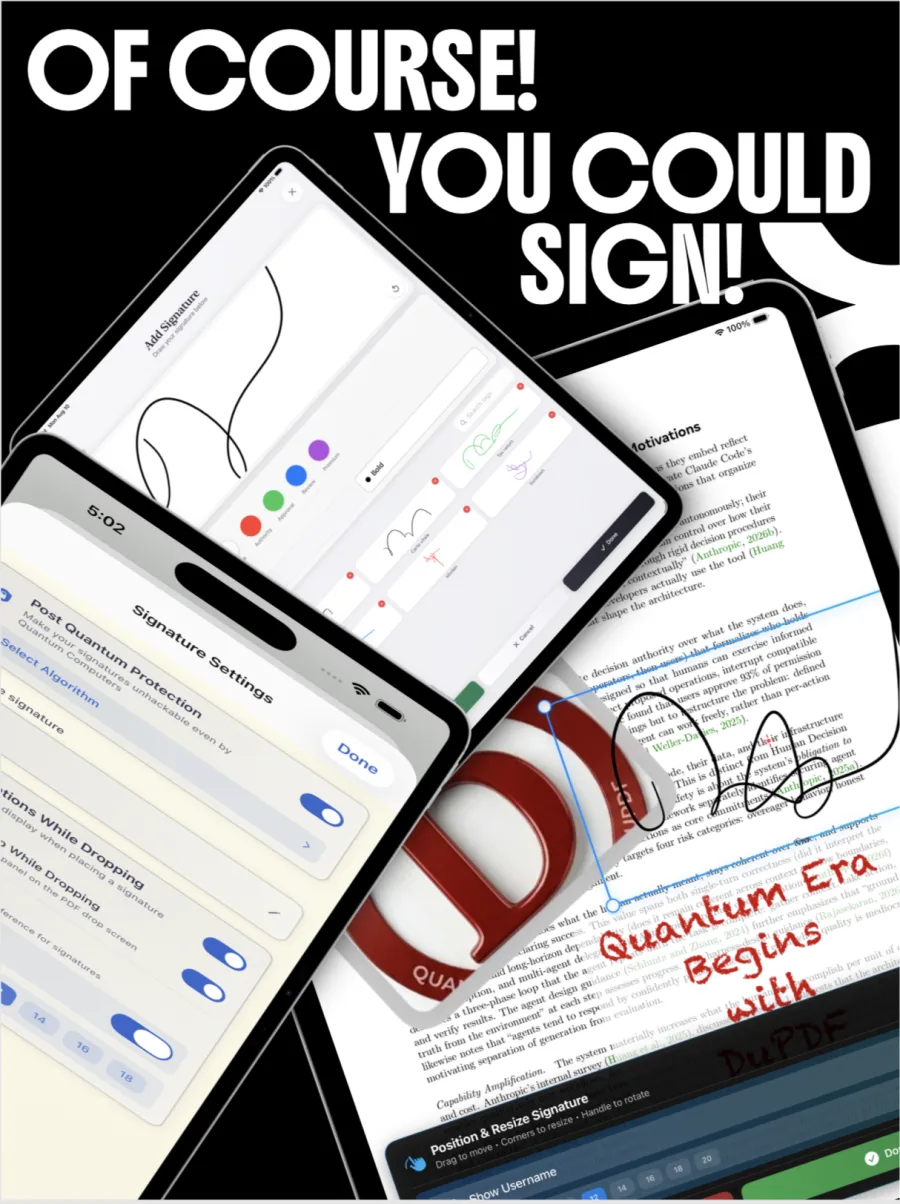
SignaturesDraw, save and place
Masks & redactionCover sensitive regions
Filters & BG removalDocument, photo and face
Discover searchPDF, web, images, news
Compress PDFShrink files for sharing
Merge & combineStitch PDFs and images
Export pagesExtract or split page ranges
Doc cropFour corners + perspective
SignaturesDraw, save and place
Masks & redactionCover sensitive regions
Filters & BG removalDocument, photo and face
Discover searchPDF, web, images, news
Pin the topics you actually care about, rotate them, and search across PDFs, the web, images and news from the same bar. Trends surface in a luxury card rail instead of an infinite scroll.
Parents and guardians should supervise search use by minors, and are strongly encouraged to actively monitor children under 10 years old.
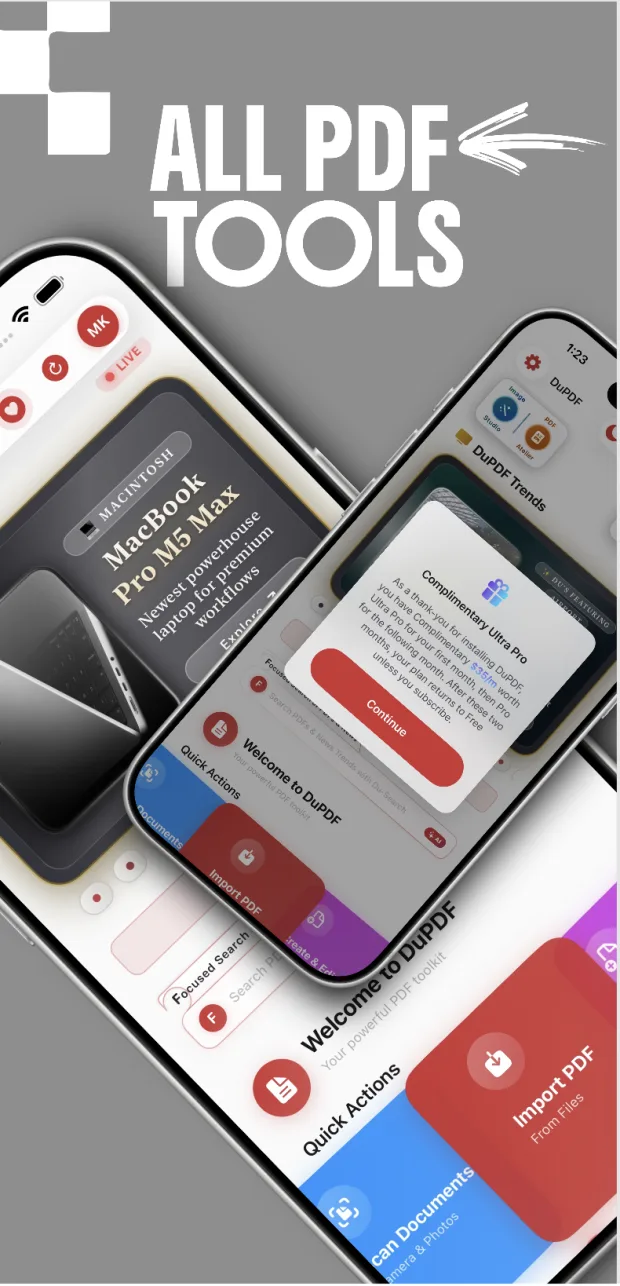
World-class PDF tools that stay free: Edit PDF Text for 10 unique pages every day, PDFtoW conversion for 30 pages every 24 hours, and the full Atelier. Pro and Ultra Pro raise those limits. New installs include complimentary Ultra Pro for 30 days, then complimentary Pro for 30 days.
Free forever
The full atelier on your iPhone or iPad — read, annotate, sign, convert, crop, and edit in place, with daily allowances.
Official download: Apple App Store only. We never email an IPA or APK, and we never send you to a third-party store.
$9 / month or $99 / year
Unlimited in-place text edits, a higher PDFtoW allowance, and more room in the signature vault. Monthly or yearly.
$399 / year
The full atelier: unlimited conversion, the largest signature vault, and Double PQC Shield extras including Photo Protection.
On iPhone, iPad, and Mac, Get and Download open the Apple App Store for DuPDF. Pro monthly, Pro yearly, and Ultra Pro are in-app subscriptions of that same listing. US prices shown as a reference; Apple sets the price for your App Store country and currency. Subscriptions are charged to your Apple ID at confirmation and renew automatically unless cancelled at least 24 hours before the end of the current period. Refunds follow Apple’s policies. Terms of Use (EULA) · Privacy Policy · Support · Subscription terms.
It is a two-layer, quantum-safe key hierarchy with dual biometric verification. A primary key is generated from an ML-DSA-87 keypair bound to your first Apple ID authentication. A secondary key is then derived from a second Apple ID authentication combined with that primary key. Every daughter key — OTP service, code tampering and jailbreak detection, signature protection and Photo Protection — descends from the secondary key.
No. DuPDF is local-first. Your documents, annotations, signatures and app-generated data are stored on your device inside the app’s sandbox. We do not collect, store or transmit the content of your documents. Data only leaves your device if you explicitly use a feature that sends it to a third-party service of your choice, such as sharing or cloud backup.
Free keeps the full atelier: Du-PDF Atelier, Du-Image Studio, Inline Text Editor, converters, and on-device processing. Edit PDF Text allows 10 unique pages every day. PDFtoW conversion allows 30 pages every 24 hours and 200 pages every 30 days, with room for 20 saved signatures.
Pro is monthly ($9) or yearly ($99, with a 30-day free trial): unlimited Edit PDF Text, PDFtoW conversion of 200 pages every 24 hours, 50 saved signatures, and no ads. Ultra Pro is yearly ($399): everything in Pro, unlimited PDFtoW conversion, 100 saved signatures, and Double PQC Shield extras including Photo Protection.
New installs include complimentary Ultra Pro for 30 days, then complimentary Pro for 30 days. After that, Free continues unless you subscribe. US prices are a reference; Apple sets the price for your country. Manage or cancel in App Store subscription settings.
No, and we will not claim that. DuPDF’s architecture describes security design goals and threat-model assumptions, not an absolute guarantee. Protection can still be defeated or bypassed by factors outside our control: hardware faults, zero-day vulnerabilities, intentional or unintended backdoors from hardware or OS vendors, supply-chain compromises, and weaknesses involving mobile networks or SIM providers. Keep independent backups of anything important.
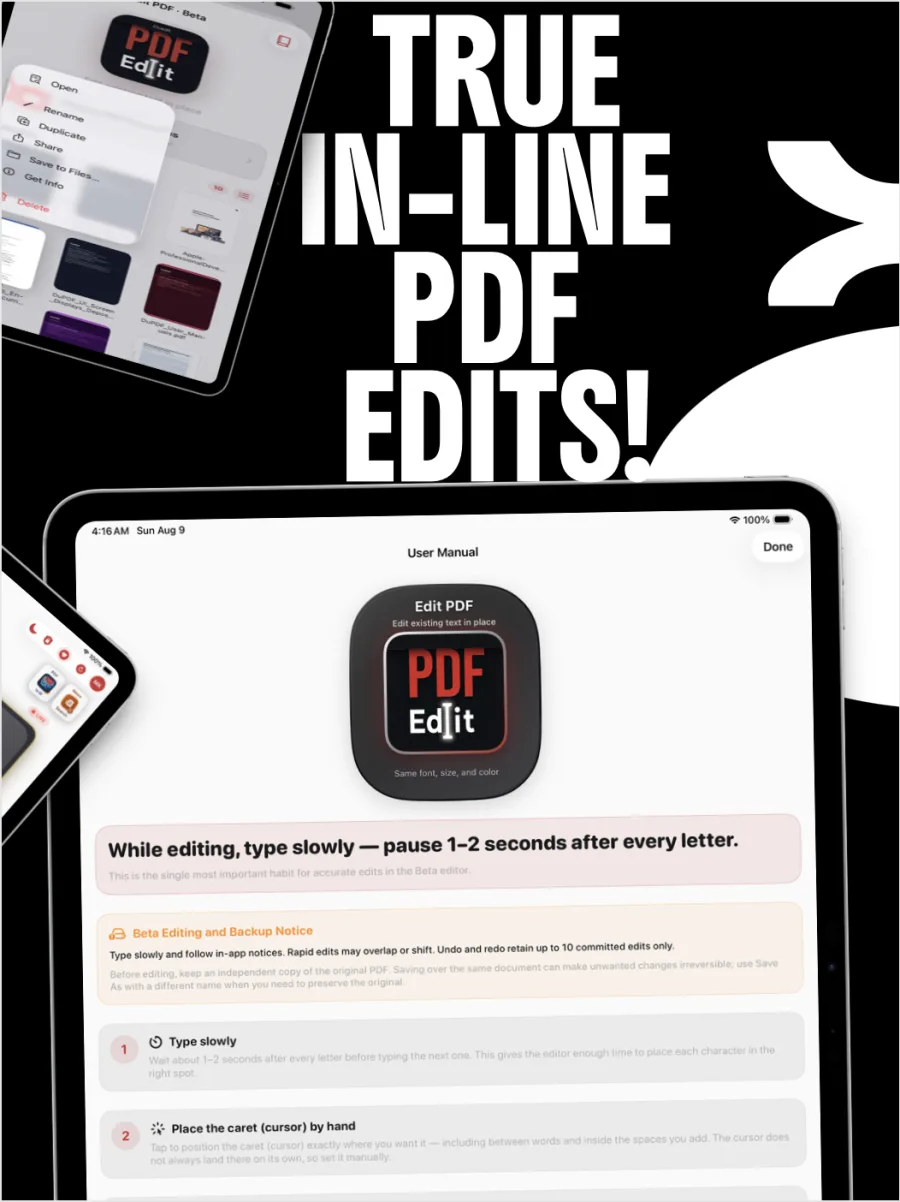
Edit PDF Text and PDFtoW conversion are Beta. In some conversions, figures or images can end up positioned beneath text boxes, so inspect converted documents carefully before relying on them. When editing existing PDF text, type slowly — pause one to two seconds after each letter — and place the caret by hand. Undo and redo cover up to the last 10 committed edits, which is not a substitute for keeping an original copy.
Use Save As with a different name before experimenting. Saving over a PDF under the same name may make unwanted changes irreversible.
DuPDF is licensed for Apple-branded devices you own or control — iPhone and iPad — running the applicable operating system. The layout adapts to the larger canvas on iPad, including side-by-side notes and thumbnails.
Write to dupdf@proton.me or use the contact options in the app. Depending on your jurisdiction you may also request access, correction, restriction, portability, or withdrawal of consent. Locally stored data stays on your device until you delete it or uninstall the app.
Bring your contracts, scans, forms and photographs into one studio — and leave them protected by a chain of post-quantum keys.
Official download: Apple App Store only. We never email an IPA or APK, and we never send you to a third-party store.